
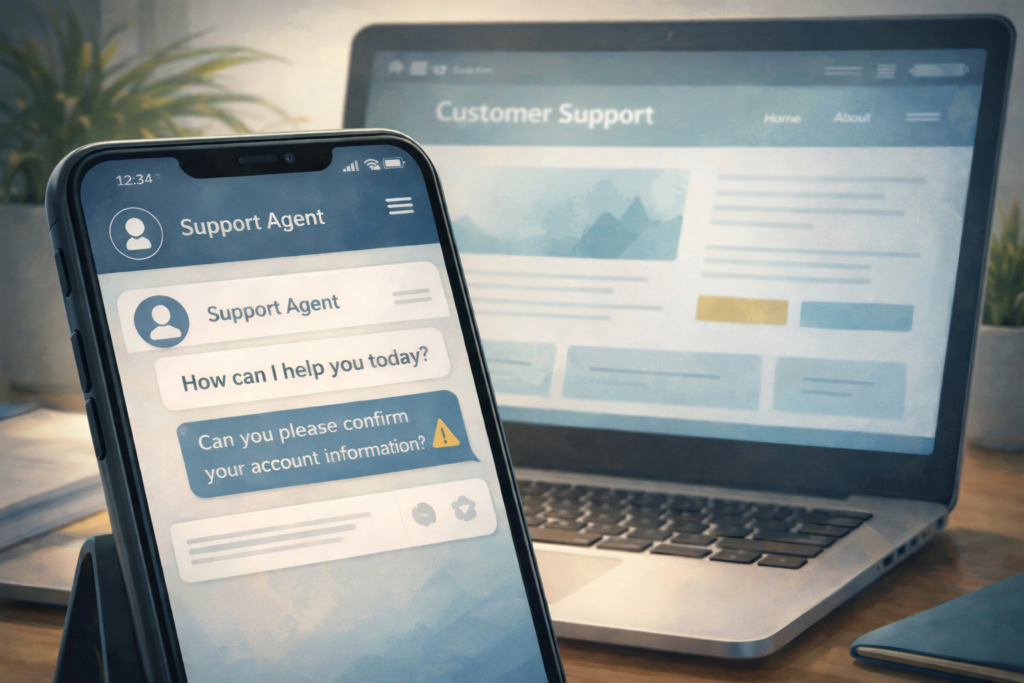
What is the in-app customer support scam?
In-app customer support scams occur when scammers impersonate legitimate customer service inside chat windows, help widgets, or support tools that appear to belong to a real company. Because the interaction happens within a familiar or official-looking interface, people believe they are communicating with real support staff. In reality, the scammer has hijacked that sense of trust and uses it to request login codes, approval actions, personal information, or payments.
How this scam usually appears
This scam often begins when someone seeks help for a routine issue, such as a billing question, account problem, or suspicious charge. The person may click a support chat button, follow a help link from a search result, or scan a QR code that appears to lead to customer service. Once the chat starts, the scammer responds professionally and may reference the correct company name, product, or issue. Over time, the conversation shifts toward requests that feel procedural, such as verifying a code, approving a login attempt, or resolving the issue through a payment or transfer.
Why this scam is considered emerging and on the rise
This scam is considered emerging because customer support has rapidly shifted toward chat-based systems, automated help tools, and embedded widgets. Scammers have learned how to mimic these environments or quietly redirect users into fake versions of them. Because the interaction feels official and familiar, people are more likely to comply with requests they would normally question. As companies continue to move away from phone and email support, this form of trust hijacking is becoming easier for scammers to scale.
How to protect yourself
Protecting yourself starts with accessing customer support only through official apps or websites you navigate to directly, rather than through ads, search results, or QR codes. Legitimate companies do not ask customers to share one-time passcodes or approve login requests during support chats. If a request feels unusual, pause the conversation and verify it through another trusted channel, such as the company’s main website or a phone number listed on an official statement or account page.
What to do if you’ve been affected
If you believe you interacted with a fake customer support chat, take steps to secure your account right away. Change your passwords, review recent activity, and contact the real company using a verified contact method to report what happened. If you shared financial information or sent money, monitor your accounts closely and document the incident. Many people are affected by these scams because they appear legitimate, and responding quickly can help reduce further harm.