
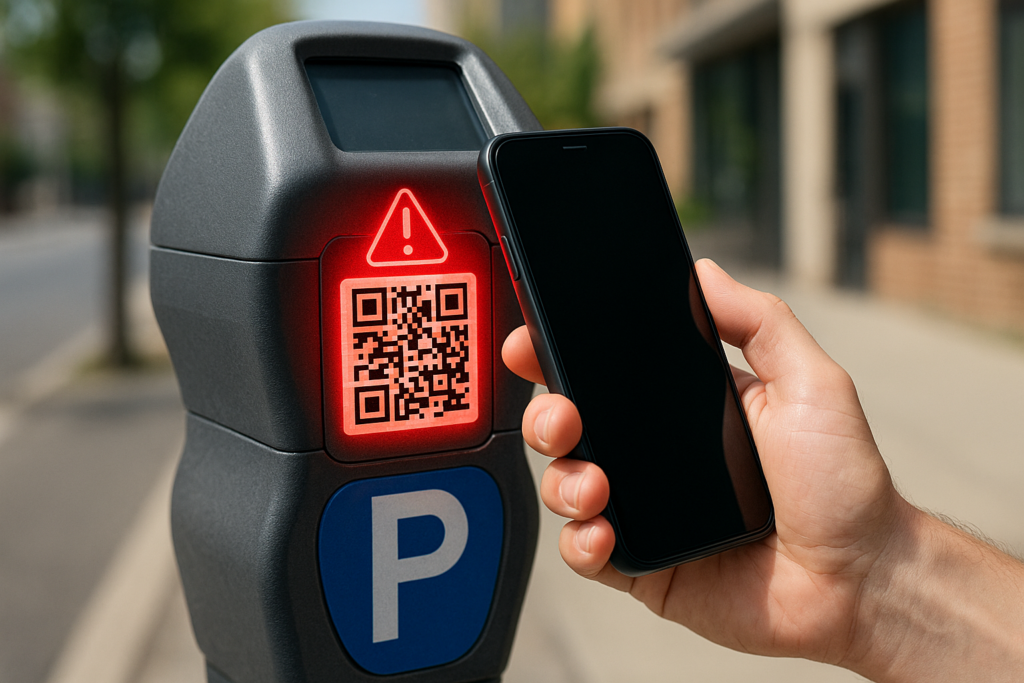
What is the QR code scam?
The QR code scam is a widespread and increasingly common fraud in which criminals replace or tamper with legitimate QR codes in public places to redirect people to fraudulent websites. These fake codes are often placed on parking meters, restaurant tables, public signs, kiosks, or checkout counters—anywhere people expect to scan quickly without thinking twice. When scanned, the code leads to a look-alike website designed to steal payment details, collect personal information, or install malicious software on the user’s device. Because QR codes feel routine and trustworthy, many victims do not realize they have been scammed until money is missing or accounts are compromised.
How this scam usually works
The scam typically begins when a criminal prints a sticker containing their own QR code and places it directly over or near a legitimate one in a high-traffic location. When someone scans the code, they are redirected to a fake website that closely resembles the real business or service page. The site may prompt the user to pay for parking, view a menu, log into an account, or resolve an urgent issue. Once the victim enters payment information or personal details, scammers can steal financial data, commit identity theft, or deploy malware that gives them ongoing access to the device.
How to protect yourself
The safest way to avoid QR code scams is to slow down and verify before taking action. Always check whether a QR code appears to be a sticker placed over another code or looks misaligned or tampered with. After scanning, examine the website URL carefully and confirm it matches the official business or service. Be cautious of pages that pressure you to act immediately or request unnecessary information. Whenever possible, use official apps or manually navigate to a company’s website instead of scanning public QR codes, especially when payments are involved.
What to do if you’ve been affected
If you believe you scanned a fraudulent QR code or entered information on a fake website, act quickly. Contact your bank or card issuer to report and dispute any unauthorized charges, change passwords for any accounts you accessed, and monitor financial statements closely. Run a security scan on your phone to check for malware and remove any suspicious apps. If the code was located at a business or public service area, notify them immediately so it can be removed and others are not targeted.